How to Find the Company Registration Number in 2026

You're onboarding a new vendor, the form asks for a company registration number, and the only number on their paperwork is nine digits with a hyphen. You paste it into a state search, get no result, and now you can't tell if the company doesn't exist, if you're searching the wrong state, or if you have the wrong number entirely.
That's the normal starting point. Learning how to find the company registration number isn't really about finding a search box. It's about knowing which registry issued the number, what that registry calls it, and how it's formatted, because the same company can hold several valid identifiers at once.
Start With the Registry That Holds the Number
There's no single national register for US companies. In the United States, a company registration number is generally found through the Secretary of State or equivalent state business registry search, not through one universal federal database, as the North Carolina Secretary of State business registration search illustrates with its state specific fields.
That means your first question isn't "what's the number?" It's "where was this entity formed?" A company formed in Delaware but operating in North Carolina can have a Delaware formation record and a separate North Carolina foreign registration record. Both are real. They're not interchangeable.
Read the Label, Not Just the Number
Registries don't agree on what to call the identifier. North Carolina calls it the Secretary of State Identification Number (SOSID). Illinois uses a file number. California uses an entity number, and other states use entity ID, charter number, document number or file number. If you copy digits without the label and jurisdiction, you've lost half the identifier.
| Registry | Label on the record | Format and search notes |
|---|---|---|
| North Carolina | Secretary of State Identification Number (SOSID) | Search by organization name, individual, registered agent or SOSID. Copy the SOSID exactly as shown on the record |
| Illinois | File number | Search by business name, registered agent, company officers or file number. Copy the file number exactly as shown on the record |
| California corporation | Entity number | Letter C followed by seven digits, e.g. C0254285 |
| California LLC or limited partnership | Entity number | 12 digits, no leading letter |
| Any other US state | Entity ID, charter number, document number or file number | State assigned format. Read the field label on the record before copying |
Practical rule: Store the jurisdiction, the label and the value together. "NC, SOSID, 1234567" is an identifier. "1234567" on its own is a guess.
Trade Names Will Mislead You
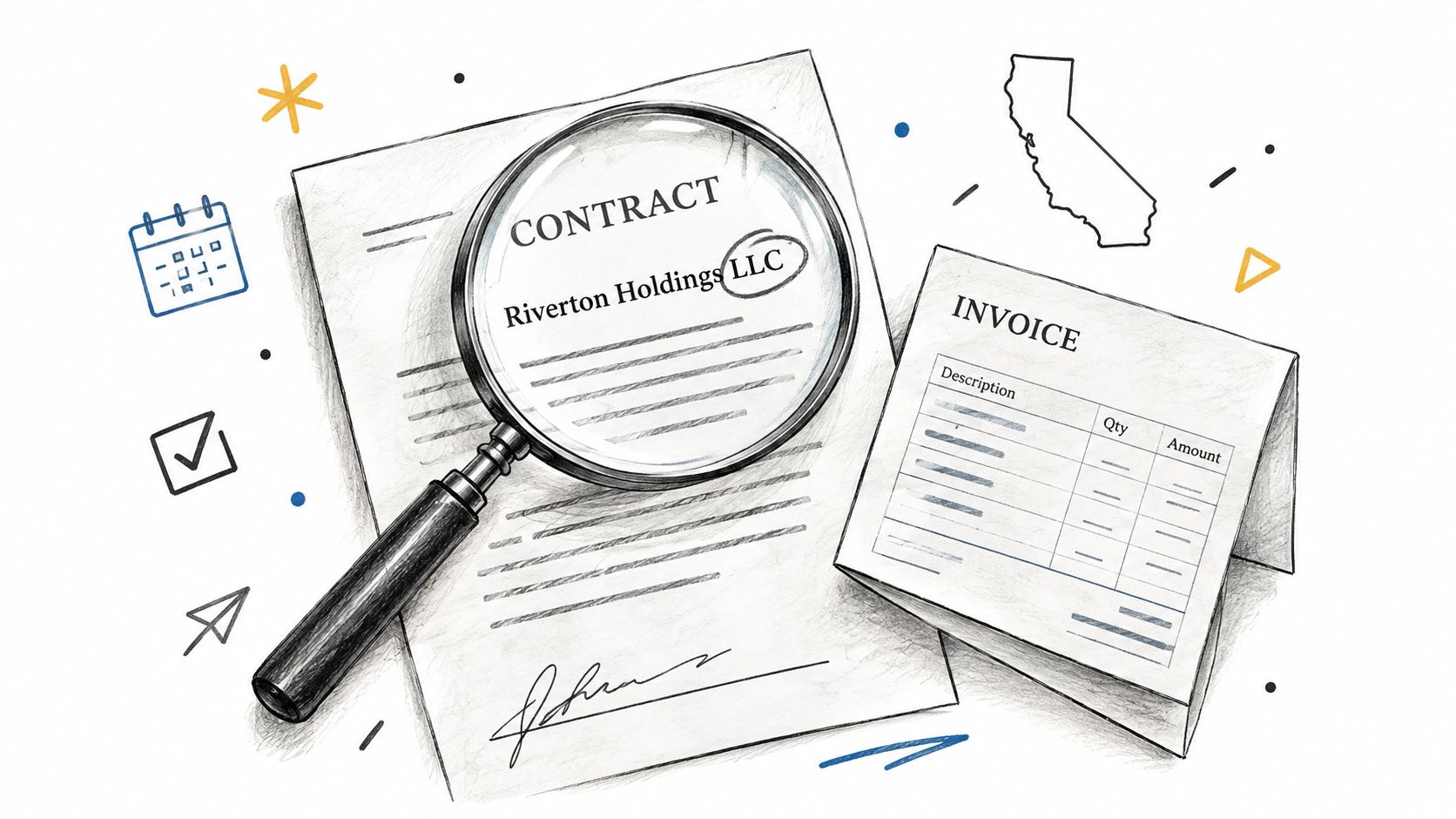
A trade name or DBA is not the legal entity. Search the brand painted on a truck or printed on a website and you'll often get nothing, even though the underlying LLC is properly registered under a different legal name. Go to the contract, invoice or signed agreement first. If the formation state isn't stated there, ask for the certificate of formation or articles before you start searching several states at random.
Understanding what sits behind these records helps here, and this guide to business entity data and what registries actually hold explains the fields you'll be comparing. A registry record can hold far more than a number, including prior names, addresses, agents, officers and filing history, but only if you're looking at the right jurisdiction's record in the first place.
How to Search a State Registry Step by Step
The screenshot below shows a typical state entry point, North Carolina's business registration search.
- Get the exact legal name first. Pull it from a contract, invoice or signed agreement, including the suffix such as LLC or Inc. Don't take it from the logo on a website, because that's usually the brand, not the entity.
- Pin down the formation state. Look for a certificate of formation, articles of incorporation, or a statement of where the company is registered to do business. Without the state, you're searching blind.
- Open that state's official entity search. Search the state name plus "business entity search" and use the Secretary of State result, not a third party directory. State interfaces differ a lot, which is why a walkthrough like this Nevada SOS business entity search guide is worth checking when a particular registry feels unfamiliar.
- Search the exact legal name. If nothing returns, then loosen it in a controlled order. Remove punctuation, normalize the suffix, try a former name, and only then filter by registered agent or address.
- Open the entity detail page. Copy the identifier with its label exactly as displayed. Don't retype it from memory and don't drop leading zeros or letters.
- Compare five fields before you accept it. Status, entity type, formation date, principal address and registered agent should agree with what the company gave you. A matching name with a different formation date is a different company.
- Save the record with a retrieval date. Download or print the detail page and note when you pulled it, because status and addresses change.
Where This Usually Breaks
The most common failure is searching the operating brand. It returns nothing, which looks like the company doesn't exist, or it returns a similarly named company, which is worse because it looks like a match. The second failure is ignoring status. Inactive, dissolved and revoked entities still appear in most databases, so the status field decides whether your match is usable for onboarding.
The short video below walks through a live registry search so you can see how the detail page is laid out.
I'd work slowly at step 6 and quickly everywhere else. Most bad matches pass because someone checked the name, saw a number, and stopped.
How to Look Up a UK Company Number
The UK is simpler because there's one register. Search Companies House by the registered name, then open the company page and read the company number, company type, incorporation date, status and registered office together. The GOV.UK guidance on searching the Companies House register confirms the register exposes the registered name, registered number, company type, incorporation date, status, registered office, previous names, filing dates and officers.
If the name is close but not identical, open the previous names section before you decide it's the same company. Companies rename often, and an old contract may carry a name the register now lists as historic. Then confirm with a second attribute, usually the registered office or incorporation date.
Preserve the Number as Text
UK numbers are commonly eight characters and may carry jurisdiction or entity type prefixes such as SC, NI, OC or FC, while shorter numeric values may be zero padded. Copy the number as a string with its prefix intact. Paste it into a spreadsheet as a number and you'll lose leading zeros, which turns a correct identifier into a failed lookup.
| Prefix | Register or entity type | Format |
|---|---|---|
| None | Company registered in England and Wales | Eight digits, zero padded where shorter |
| SC | Company registered in Scotland | SC followed by six digits |
| NI | Company registered in Northern Ireland | NI followed by six digits |
| OC | Limited liability partnership (England and Wales) | OC followed by six digits |
| FC | Overseas company registered with Companies House | FC followed by six digits |
Officers and filing history sit on the same record, which makes cross checking easy. But the register warns that filed information is not necessarily checked for accuracy, so a clean record proves a filing was made, not that every detail in it is correct. And don't confuse the company number with the VAT number or tax reference printed on the same invoice. They come from different authorities and won't search against each other.
How to Pull the Number with the SOSfinder API
Manual lookup works for one company. It stops working when you're verifying vendors across twenty states, each with its own interface, label and search rules. An API approach keeps one request shape and lets the jurisdiction become a parameter.

Set Up and Send the Search
- Create an account and generate an API key from the dashboard. Keep the key server side, never in browser code.
- Set the jurisdiction as a parameter using the two letter state code or DC. All 50 states and DC share one schema, so the jurisdiction is the only thing that changes between registries.
- Send a POST name search with a JSON body containing the legal name and jurisdiction, then read the entity ID in the response. Check the entity search API documentation for the current endpoint path and field names before you ship, because your example should match the live response.
A request body looks like this in substance: legal_name set to "Example Holdings LLC" and jurisdiction set to "NC", sent with your placeholder API key in the authorization header. The trimmed response returns the fields you need to verify a match:
- entity_name: the legal name as held by the registry
- jurisdiction: the state code you searched
- entity_id: the state registration identifier, exactly as assigned
- status: active, inactive or another registry status value
- formation_date: the formation or registration date on the record
- registered_agent: the agent name and address on file
Handle Candidates and Confirmations
For a common name, expect ranked candidates rather than one answer. Compare legal name, status and formation date before you accept a candidate, and review similar filings instead of taking the first result automatically. When you already hold a number, run the Entity ID lookup with the jurisdiction and ID together to confirm the record still resolves to the same entity.
A no match result is a valid answer. An error means the request failed. Treat them differently in your workflow, or you'll escalate companies that simply aren't registered in that state.
Store jurisdiction plus entity ID as a composite key, along with status, retrieval timestamp and the raw response. That gives you an audit trail and stops collisions when two states assign the same digits. Built in retries handle temporary registry blocking, and caching reduces duplicate calls for the same record, but neither replaces the match check. If the returned status is inactive or the formation date contradicts your onboarding record, stop and investigate rather than writing the ID into your system.
I'd also log the identifier label implied by the jurisdiction, not just the normalized field name. Six months later, when a customer disputes a verification, "NC SOSID" explains itself in a way that a bare entity_id column doesn't.
Confirm the Match, Avoid Look-Alikes and Save the Record
Say a vendor invoice shows a nine digit number with a hyphen. You search the state registry with it and nothing comes back. That number is almost certainly an EIN, issued by the IRS, and it isn't a state registration identifier. FinCEN's beneficial ownership FAQs draw the same line, describing domestic entities as those created through a filing with a secretary of state or similar office while separately referring to taxpayer identification numbers such as EINs.
| Identifier | Issued by | Typical format | Where you see it | Works for registry search |
|---|---|---|---|---|
| State entity ID or file number | Secretary of State | State assigned format shown on the record | Formation certificate, registry record | Yes, in that state only |
| EIN (employer identification number) | IRS | XX-XXXXXXX (nine digits) | Tax forms, bank onboarding | No |
| CIK (Central Index Key) | SEC | Ten digits, zero padded | SEC EDGAR company pages | No, separate federal ID for public filers |
| UK VAT number | HMRC | GB followed by digits | VAT invoices | No |
| LEI (Legal Entity Identifier) | GLEIF | 20 characters | Financial and lending documents | No |
Run the Match Check
Confirm that legal name, entity type, status, formation date, principal address and registered agent agree with your onboarding record. Format is part of the identifier, not decoration. In California, omitting the C from a corporation entity number or using the wrong digit structure for an LLC returns no result, so a failed search can mean a formatting error rather than a missing company.
Watch for foreign qualification records that look like formation records. A foreign LLC or corporation can hold a separate registration number in every state where it's authorized to do business, and using a qualification number where a formation number is requested will fail verification. This broader check on how to see if a company is legitimate is useful when the registry match is clean but other signals aren't.
Save the official record or certificate with its retrieval date, and log the jurisdiction, identifier label, status and foreign registration status. A registry match proves a filing exists in that jurisdiction. It doesn't establish ownership, tax identity, licensing or whether the company is currently trading.
Finish with one of three outcomes:
- Accept the match when every check agrees and the status is active
- Request the certificate when the label or jurisdiction is unclear
- Escalate when the status is inactive or the legal name differs
Never deduplicate on the number alone. Two states can issue identical digits to unrelated companies, and merging them is much harder to undo than storing a composite key was.
If you're checking more than a handful of companies, stop repeating this search state by state and pull the entity ID, status, formation date and registered agent through one normalized lookup across all 50 states and DC. Visit SOSfinder to generate an API key and run your first jurisdiction plus entity ID search today.