How Do I Find My Articles of Incorporation? Step-by-Step

Are you looking in the state where your company does business, or the state where it was formed? That distinction can determine whether you find your articles of incorporation or spend an afternoon opening the wrong records.
If you're asking, “How do I find my articles of incorporation?” start by separating finding the filing from obtaining proof that another organization will accept. You may only need a downloadable document to check its wording. A bank or court may need a certified copy, and the original articles might not contain your company's current charter terms.
Confirm the State Where Your Company Was Formed
Your formation state is the starting point, even if your headquarters, employees, and customers are elsewhere. Say your corporation operates in Texas but was incorporated in Delaware. You'd search Delaware's corporate registry for its original articles, not start with the Texas operating address.
Look for the formation jurisdiction in your formation confirmation email, corporate records folder, or bank onboarding file. Don't infer it from the registered agent's current mailing address or the location on your website.
Gather the identifiers before searching
Create a short reference sheet so you can compare search results without switching between documents:
- Legal name and suffix: Copy the complete name, including Inc., Incorporated, or Corp., rather than your trading name.
- Formation date: Record the date shown on your formation paperwork, if available.
- State-issued identifier: Find the entity number, file number, or document number assigned by the registry.
- Historical names: Note any earlier legal names that might identify the original filing.
If your paperwork identifies an LLC, check whether you need articles of organization rather than corporate articles of incorporation. Don't order a corporation document because someone used incorporation as a general term for starting a business.
Avoid the wrong company record
A foreign registration generally records permission for an existing entity to operate in another jurisdiction. It isn't the domestic formation record, even if it includes supporting documents from the formation state.
A similar name also isn't enough to establish identity. Illinois's business-services guidance illustrates why locating an entity and requesting its documents can be separate tasks. Match the registry identifier, formation details, and legal suffix before treating a result as yours.
For help navigating jurisdiction-specific searches, use our guide to business entity searches in the USA.
Starting rule: Search where the company was formed, not simply where it operates today.
Which Document to Get
The original articles establish what was filed at formation. They don't necessarily describe the company's charter today: amendments may have changed its name or share terms, and restated articles may have replaced earlier charter language.
Before downloading or ordering anything, ask the recipient what it needs to establish. Proof of formation, current charter terms, and proof of status are different requests.
Which document matches which purpose
| Document | What it contains | Typical use |
|---|---|---|
| Original articles | First filing that formed the entity, with the original name and terms | Proof of formation date and original name |
| Amendments | Later changes to name, shares, purpose, or registered-agent provisions where included in the charter | Confirming a specific change in the charter |
| Restated articles | Consolidated charter text incorporating changes through the restatement | Confirming charter terms in one document, subject to later amendments |
| Complete charter history | Original, amendments, mergers, restatements, and dissolution papers | Acquisitions, litigation, and detailed due diligence |
| Certified copy | Copy accompanied by state certification verifying it is true and complete as filed | Banks, courts, government agencies, and foreign qualification |
| Certificate of good standing | State confirmation of standing or status, not a reproduction of the articles | Lenders and foreign qualification that ask for proof of status |
Certification describes the copy's authenticity, not its currency. A certified copy of the original articles can still contain an old corporate name. Likewise, a restatement can be followed by another amendment, so don't assume its title means it's the final document you need.
A request for a complete charter history should say exactly which filings you want included. Avoid ordering an unspecified charter package when your reviewer expects the original, every amendment, and any merger or dissolution documents.
Choose by the recipient's purpose
For a bank or lender, ask whether the reviewer needs the original formation document, the current charter, a status certificate, or a combination. Get that answer before paying for certification.
For litigation or an acquisition, identify the relevant period and request the history needed to trace changes. For foreign qualification, follow the destination registry's document checklist rather than assuming a certified set of articles replaces its required certificate.
Our guide to company formation documents can help distinguish these records from other corporate paperwork.
Match the document to the question someone needs answered. Don't accept the first PDF merely because its title contains the word articles.
How to Search and Open the Original Articles
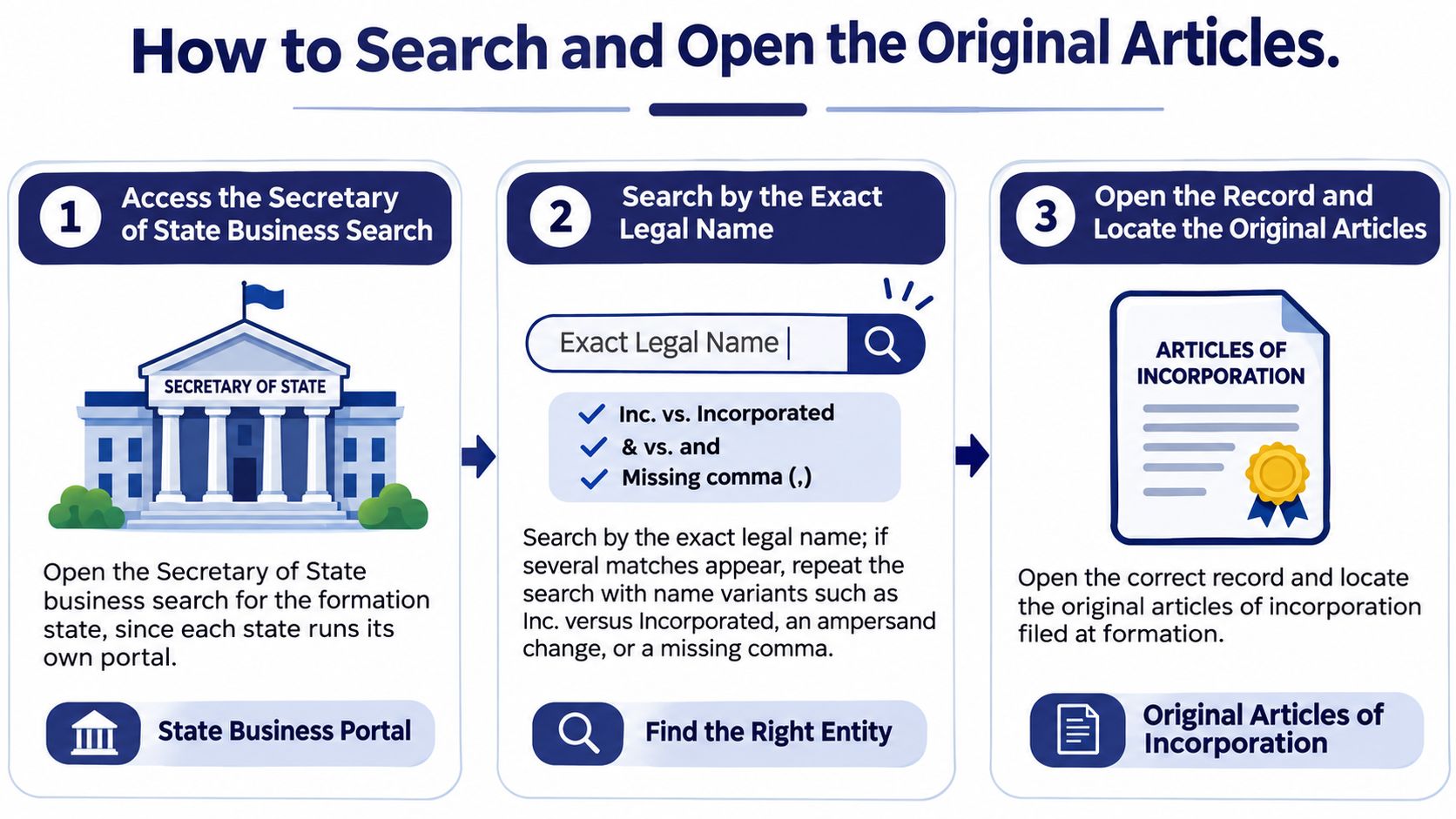
Use the official registry's business-search interface, then work from the entity record into its filing history. The Minnesota Secretary of State's copies and certificates guidance identifies the original filing as the document first submitted to register the business and supports searches by business name or file number.
The basic search path looks like this:
Follow the record into the filing history
Open the formation state's official business search. Look for a Secretary of State or equivalent corporate-registry page with an entity-search function. Don't confuse a name-availability checker with a search of existing companies and their filings.
Enter the exact legal name. If several plausible matches appear, repeat the search using the state-issued entity or file number. A familiar business name is a starting clue, not sufficient confirmation that you've selected the right corporation.
Open the matching business record and review its status. Check the identifiers and formation details before moving into its documents. Don't automatically discard a dissolved or merged entity, since its historical record may be the one you need.
Locate the filing-history or documents tab. Review the entries chronologically and look for the formation filing rather than the newest submission. An annual report or recent amendment can appear prominently without being the original articles.
Select the formation document. Common labels include Articles of Incorporation, Certificate of Incorporation, and Original Filing. Read the document itself, because a portal's abbreviated label may not explain whether you've opened an amendment or another filing.
Check the name and filing date against your reference sheet. If a date differs, investigate whether you're comparing a submission date, an effective date, or a later registration date. Our explanation of a company's date of incorporation helps resolve that distinction without treating every displayed date as interchangeable.
Download and label the file clearly. Use the legal name, document type, and filing date in the filename, then save the entity identifier and registry reference alongside it. Note subsequent amendments separately so nobody mistakes the original for an up-to-date consolidated charter.
Check the result before you close the portal
Open the saved PDF to make sure it's readable and includes all its pages. A successful download notification doesn't establish that you saved the intended document.
Your result should be a dated formation filing tied to the correct entity, with a legal name and formation context you can reconcile to your records. If you've only saved an entity-summary page, a search-results screen, or an annual report, you haven't yet retrieved the articles.
What to Do When the Search Finds Nothing
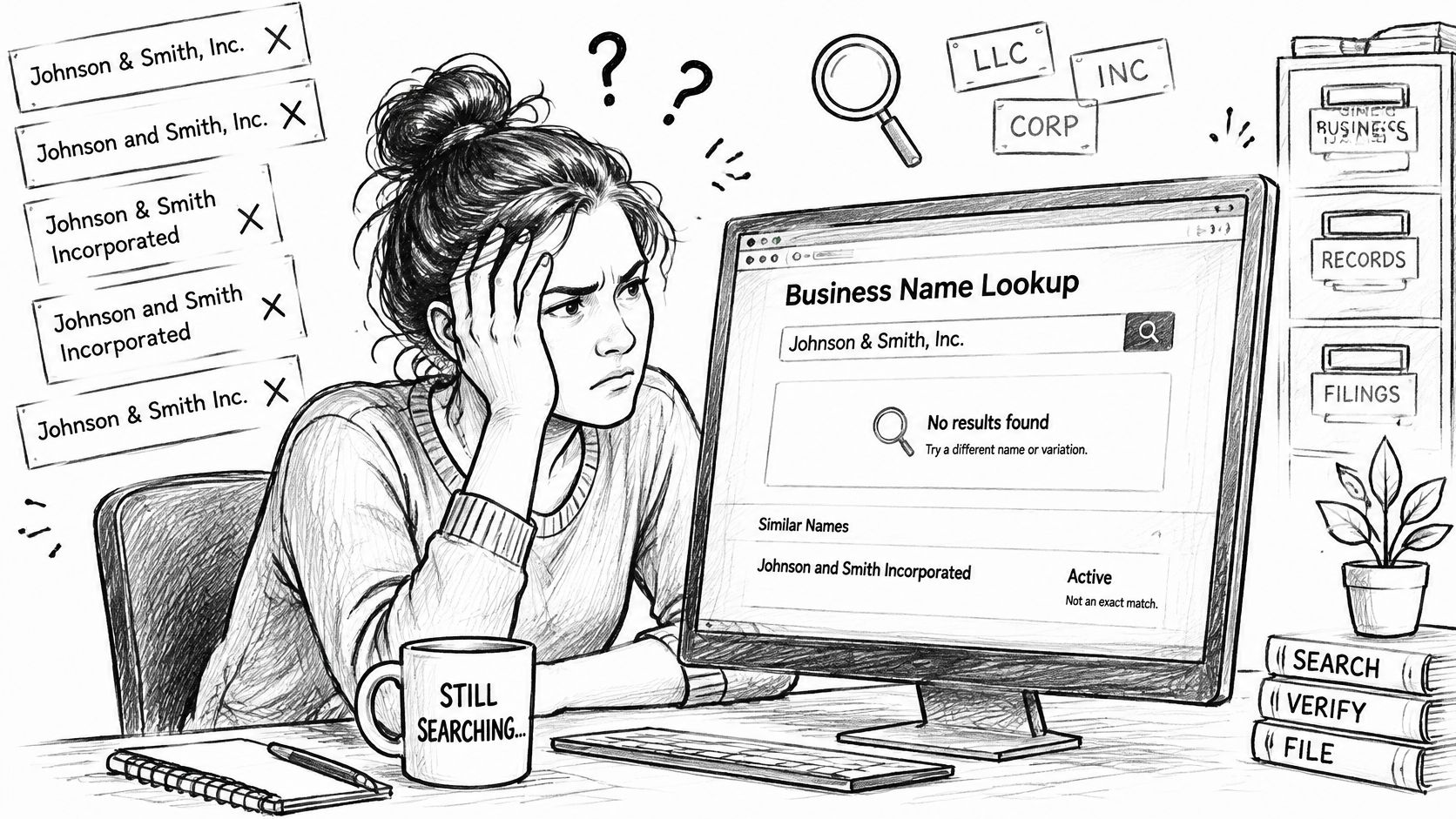
An empty result doesn't prove the company was never registered. Search settings, name formatting, and document-access limits can prevent a useful result.
If the search stalls, troubleshoot the query before assuming the record is missing.
Try the quickest fixes first
- Adjust the name formatting: Try Inc. and Incorporated, replace an ampersand with and, or remove punctuation. Use a contains or starts-with option if the portal offers one.
- Search the state identifier: Check old bank forms, contracts, and formation correspondence for a registry number. Don't substitute a federal tax identifier unless the portal specifically supports it.
- Remove restrictive filters: An active-only filter can hide a dissolved or merged company. Include inactive records and examine any relevant historical entry.
- Contact the registered agent or incorporator: Ask for the filed formation document and acceptance confirmation. Their records may help identify the registry entry even when they can't supply the final copy you need.
Our no-match-found troubleshooting guide provides another reference when a query returns nothing useful.
Escalate to a document request
Older records may require archive retrieval rather than an immediate download. If the entity appears but its documents don't, ask the filing office whether the record is available through a separate copy-request process.
Send a written request identifying the legal name, entity number if known, document type, and approximate filing date. Keep the request and confirmation together so you can follow up without reconstructing what you asked for.
For a visual walkthrough, use the video alongside your registry search.
If the official record contains incorrect information, contact the state office that maintains the filing. A search service can display the published record, but it can't correct the underlying state filing.
Online Access, Certified Copy Costs and Order Checklist
Online access and certified copy costs by state
The New Hampshire Secretary of State's business FAQs lists free access to most charter documents and certification at $5 plus $1 per page; the comparison below also distinguishes the ordering and pricing information available for the other jurisdictions from access details you should confirm before paying.
| State | Free online viewing | Certified copy cost | Notes |
|---|---|---|---|
| New Hampshire | Yes, search, view, and download at no charge | $5 certification plus $1 per page | Applies to most charter documents, including articles of incorporation |
| New York | Confirm viewing access in the registry portal | $10 per certified copy | Online orders permitted for corporation documents |
| South Carolina | Confirm plain-copy viewing separately | $20 example total | Electronic certified download; example combines document, certification, and service fees |
| South Dakota | Yes, filed information on the entity detail page | $15 certification plus $2 per page | Records archived before 1994 require a request to the Business Filing Office |
| Minnesota | Check document access in the business record | Confirm the registry's current copy fee | Original filing identified through search by name or file number |
| Washington | Check the Secretary of State records system | Confirm the registry's current copy fee | Articles and certified copies listed among available records |
| Florida | Check the registry's document-viewing options | Confirm the current corporate-document certification fee | Certified request needs entity name, document number, type, and filing date |
| Illinois | Check search access separately from copy ordering | Confirm the fee through the copy-request process | Separate copy-request process for articles |
Treat a published example total as an example, not a universal price for every document package. Check the registry's current order screen for page charges, delivery options, and any separate processing fees before submitting payment.
Online ordering also doesn't necessarily mean free online viewing. A portal may let you identify the company without displaying the underlying filing, or offer a certified download through a paid ordering process.
Finding a document versus proving it
For internal research, you may only need to read the filed wording. A plain PDF can help you check a corporate name, review a charter provision, or prepare a document inventory without ordering certification.
When someone else must rely on the document, ask what form they'll accept. A lender, court, investor, or government agency may require state certification, not a legible download.
Don't assume that printing a PDF, adding a cover sheet, or having someone attest to your printout creates the state-certified copy requested. Order the required version through the registry's certification process, and preserve any verification material delivered with it.
Before paying: Ask the recipient to confirm the document title, certification requirement, and whether it needs later amendments included.
Check the order before submitting it
Use the entity record and your recipient's instructions together:
- Legal identity: Confirm the complete name and suffix, including whether the requested document should show an earlier name.
- Registry identifier: Copy the state-issued number directly from the correct entity record.
- Document scope: Specify original articles, a particular amendment, restated articles, or a complete history.
- Relevant date: Include the filing date when known so the clerk can distinguish similar entries.
- Status requirement: Check whether the recipient separately requests a certificate of good standing.
- Delivery and certification: Select the accepted format and verify that certification is included rather than assuming every paid copy is certified.
For teams building document-retrieval workflows, we provide one REST endpoint for business lookups across all states and DC, returning status, registered agent, formation date, and filings. That can help identify the relevant entity and filing history, but our results aren't a substitute for an official certificate of good standing or a certified copy. We can't file documents, register entities, or change official records on your behalf.
Keep your receipt, the delivered document, and the request instructions together. That gives your reviewer a clear record of what you ordered and helps prevent another search when the same paperwork is needed later.
If a bank, court, or agency needs certified evidence, order the specified certified version from the state. If you only need the wording, download the plain copy where free access is available.
Visit SOSfinder to identify business records and review filing histories through a consistent lookup workflow. Use the entity identifiers and available filing links to locate the articles you need, then obtain any required certification directly from the state registry.